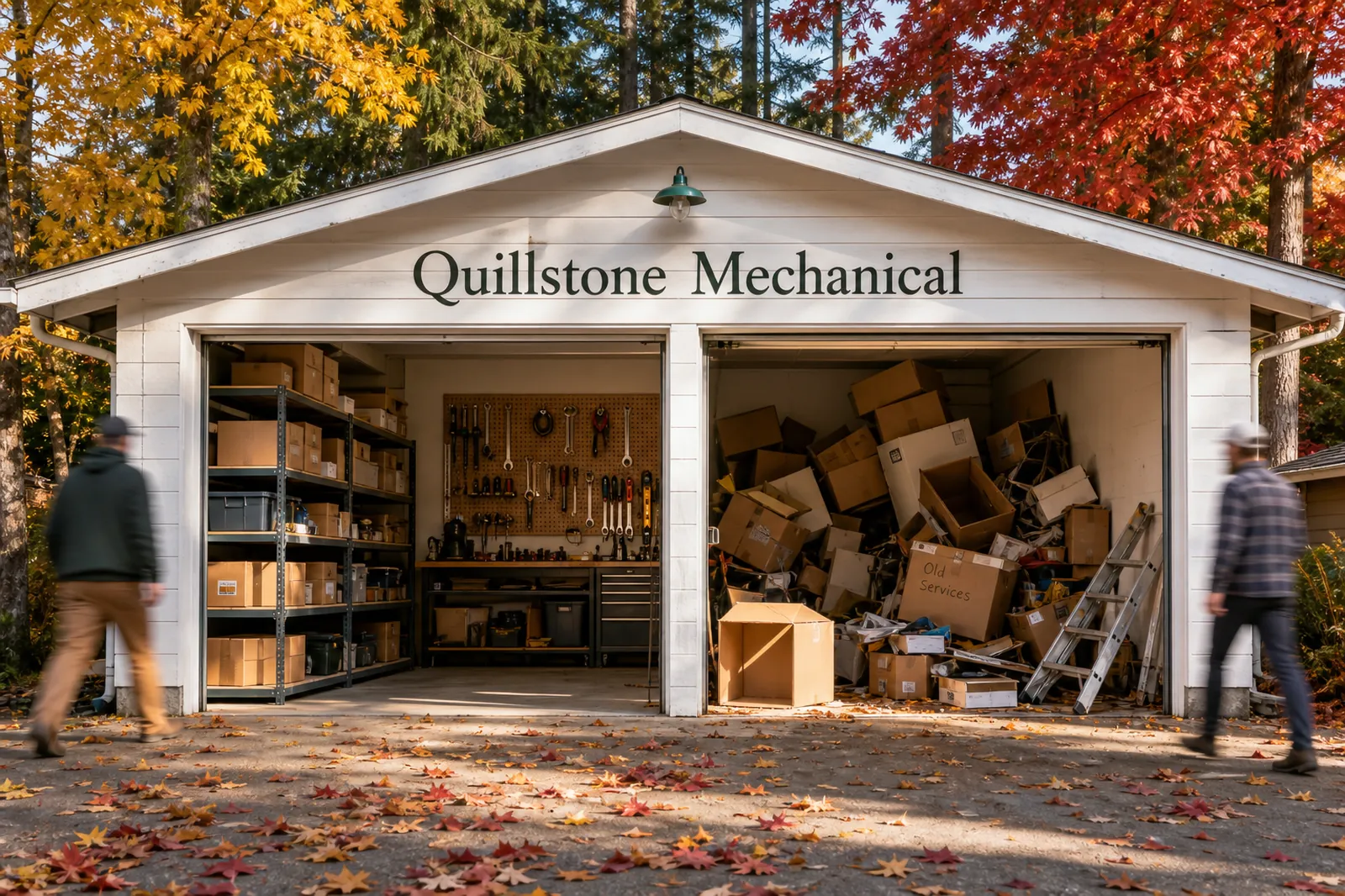
Your website is a bit like a garage. It started out tidy. Then a page got added, another got moved, a redesign happened, and now there’s a box in the corner marked “old services” that nobody wants to open.
An SEO clean-up is the afternoon you finally deal with the box.
Short answer. An SEO clean-up fixes what already exists on your website and in your business listings: broken links, duplicate or missing titles, pages that contradict each other, and details that don’t match. It comes before new content, because adding pages to an untidy site is like buying a bigger garage for the same pile of boxes.
What a clean-up covers
- Broken links and missing pages. Links that lead to an error page, and old addresses that should point to a live page.
- Titles and descriptions. Every page needs its own title and description that say what the page is. Duplicates and blanks make pages hard to tell apart in search results.
- Duplicate pages. Two pages doing the same job. Visitors have to guess which one is the real one, and so do you.
- Page structure. One main heading per page, and headings that step down in order, so people (and screen readers) can follow the page.
- Images. Descriptive alt text on images that carry meaning.
- Business details. Name, address, phone number, hours and service area, the same on the website, your Google Business Profile and other listings.
- What search engines are told to skip or prefer. Pages blocked or marked as duplicates by mistake.
Signs your site might need one
- You redesigned the site, or moved, and never checked what happened to the old pages. They’re still out there, like a former roommate’s furniture.
- You added a location or a service and the old pages still describe the business as it used to be.
- Different people have edited the site over the years and nobody owns it.
- Your Google listing and your website disagree about hours or your service area.
- Several pages could answer the same customer question.
A worked example: our own site
Before rebuilding our own site, we crawled it to see what a clean-up would find. We are, apparently, not exempt.
Source: OpenSEO site audit of longsquarestudio.ca, run 2026-09-29, up to 50 pages. “Broken internal link” means a link on one page to another page on the same site that returned an error. This is our own data, shown with our permission.
- Seven links to pages that didn’t exist at those addresses. One page linked to the Approach page and six of the service pages, using addresses that weren’t live yet.
- Duplicate titles and descriptions on the home page and its test copy, and on the blog and Insights pages.
- Three archive pages with no description at all.
- Two images without alt text on one old case study page.
- Heading levels that skipped on 23 pages.
What the crawl found
Our own site, before the rebuild
7links to pages that returned an error
4pages sharing a title with another
3archive pages with no description
23pages with skipped heading levels
Source: OpenSEO site audit of longsquarestudio.ca, 2026-09-29, up to 50 pages.
None of it is dramatic. It’s the website version of a light bulb that has been out for three months: nobody is in danger, but visitors keep bumping into things. The fixes are small and specific: point each old address to the right page, write one title and description per page, remove the duplicate, add the missing text.
What can wait
Not everything found needs fixing today. A page title that is five characters too long is a wobbly shelf. A link that sends a customer to an error page is the ceiling. Fix the ceiling first. A good clean-up sorts findings by how much they affect a customer, and leaves the shelf for a quieter week.
What a clean-up doesn’t do
It doesn’t promise a ranking, a number of visitors or a date. It removes obstacles and makes the site clear. Whether that shows up in results depends on your competition, your locations and how search engines treat the changes over time.
How to start
- Make a list of your most visited pages: home, your main services and any location pages.
- Open each one and check the title, the main heading and every link.
- Compare your website’s name, address, phone number and hours with your Google listing.
- Note anything that is wrong, duplicated or out of date. Fix the ones that could send a customer to an error first.
A few common questions
Can I do my own SEO for my website?
Yes, for the basics: accurate titles and descriptions, working links, correct business details and clear pages. It gets harder when the site is large, has several locations, or has been changed by many people. That is where a second pair of eyes helps.
Is SEO worth it?
It depends on how customers find you, how much competition you face in your area and how much time you can give it. For a business with a physical location or a defined service area, getting the basics right is usually worth doing before spending on anything else. We don’t promise results, and anyone who does is guessing.
When it’s worth getting help
If your site has changed hands, grown over the years or been redesigned without a plan for the old pages, a clean-up is a sensible first step. We start by crawling the site and your listings, list what is wrong in plain terms, and recommend the one fix that matters most. If the box in the corner has been there since the last redesign, start an inquiry.